
Online Safety and Internet Filtering – Linewize
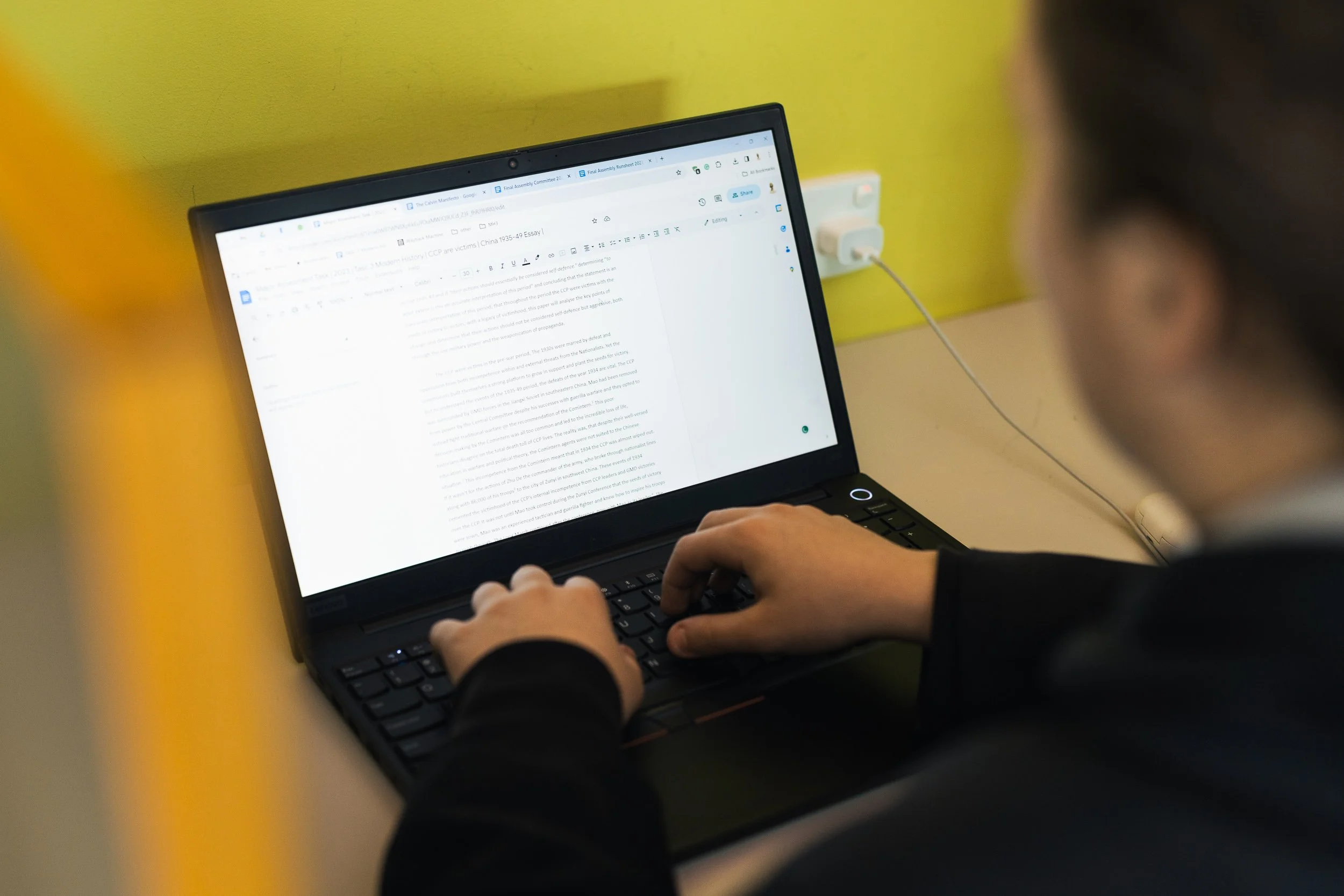
Students at Christian Schools Tasmania have their internet access filtered through the Linewize system. Filtering software is installed on all CST-operated student laptops and continues to apply when devices are used at home.
Staff who are part of the Leadership or Pastoral Care teams can log into Linewize to access student activity logs and reports. Teachers can use ClassWize to manage and monitor internet activity within their classes.
Links to both platforms, along with helpful resources to support their use, are available on this page.
Signing in to Linewize
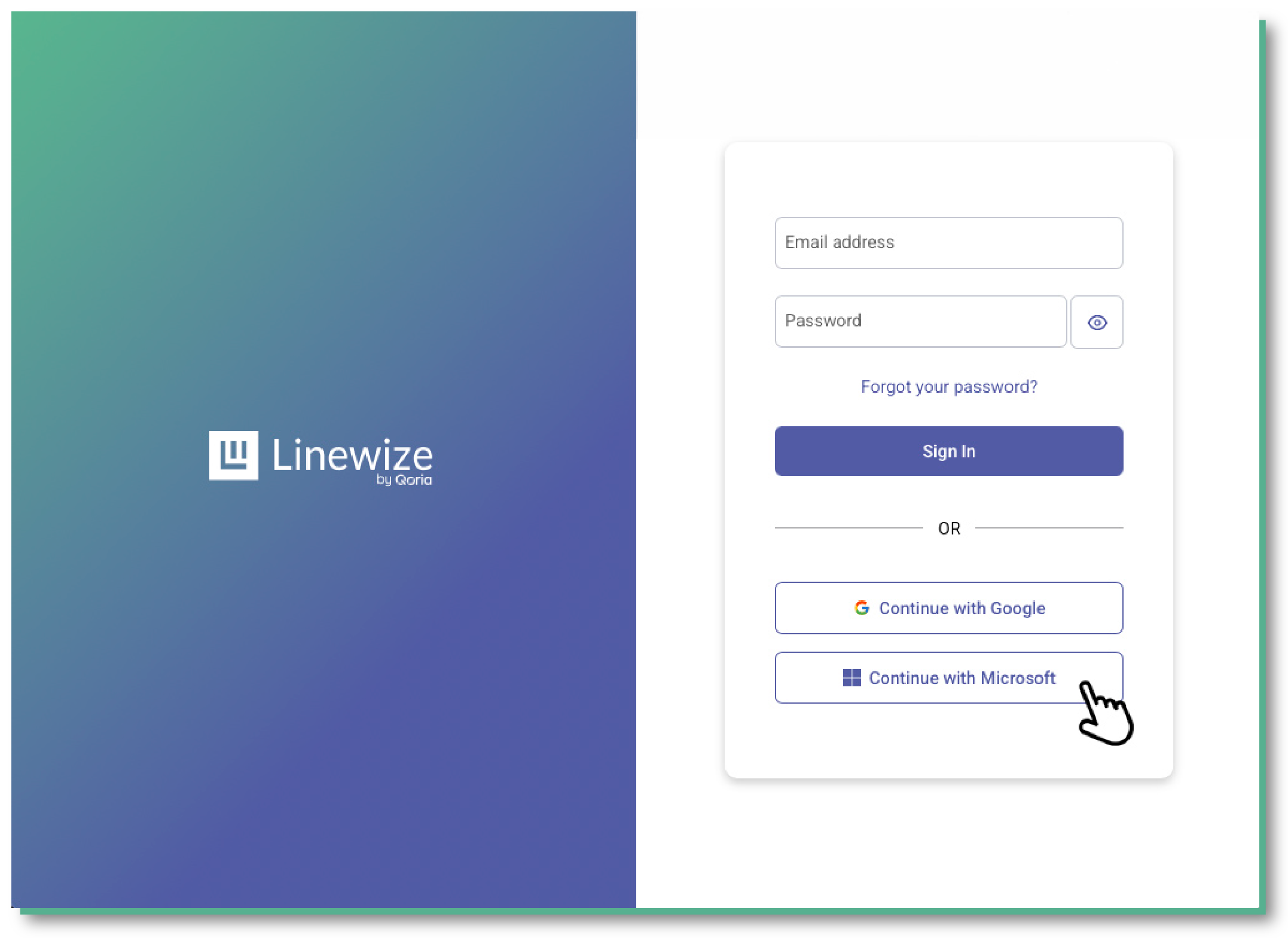
Staff should click ‘Continue with Microsoft’ to access the portal, then use their school email address and password to log in.
Tools

Linewise Classwize – For Classroom Teachers

Smoothwall Monitor – For Pastoral Care staff and Leadership
Useful Resources
CST Online Safety Hub
Access CST Online Safety Hub for trusted resources and guidance.
Explore the Hub and create your free parent account now.